Sample projectHealthcareSwiftSwiftUICloudKit
iPhone app for a dental clinic chain
Patients book and reschedule appointments, get reminders and directions, and pay in the app with Apple Pay.
- Typical timeline
- 10–12 weeks typical
- Team
- 3 people
Tablet apps for shop counters, clinics, warehouses and classrooms, designed for how and where they're really used.
Tablets are used differently: on shop counters, in clinics, warehouses and classrooms. You get a tablet app that makes the most of the larger screen and suits where and how it's used.
Tablets are often shared, mounted on counters or used standing up, by people in a hurry or wearing gloves. A stretched phone layout doesn't work there.
We design tablet apps that make the most of the larger screen, with big touch targets, glanceable information and modes for shared or kiosk use.
This is for you if you…
Every project is different, but these are the pieces we combine most often.
Split views and sidebars that use the bigger screen well.
Fast ordering, payment and receipt flows.
Self-service flows for visitors and customers.
Forms, photos and checklists that work offline.
Interfaces for classrooms and learners of all ages.
Tablet versions of your existing mobile app.
Typical budgets by scope, so you can plan before we talk. After a free 30-minute call you get an exact quote in writing, before any work starts.
$4,000 – $8,000
2–4 weeks
Best for: Apps that look stretched on iPad
$8,000 – $18,000
4–7 weeks
Best for: Field, clinic and classroom apps
from $10,000
4–8 weeks
Best for: Retail, hospitality and reception
Prices in USD, excluding taxes. They're typical ranges, not offers: your price depends on scope and is agreed in writing. Not sure which fits? See how we price.
Get your exact quoteThese choices shape the cost, the timeline and how the product works for years. We talk them through with you in plain English before any code is written.
A nurse at a bedside, a cashier at a counter and a child at a desk need very different layouts. We observe the real setting before designing.
Shared tablets need fast user switching, auto-logout and privacy. Personal ones can remember more. This changes the whole sign-in design.
Supporting both doubles some design work. If the tablet is mounted or used one way, we design for that orientation first.
Fewer taps at the counter or bedside.
Large, clear controls.
Quick sign-in and kiosk modes.
More information at a glance.
Clear steps, a demo every week, and no surprises on the invoice.
1–2 weeks
Interviews, analytics and competitor review to understand users and goals.
1–2 weeks
Information architecture and key journeys mapped before visuals.
2–3 weeks
A distinctive UI with a reusable component library.
1 week
Clickable prototypes tested with real users and refined.
Ongoing
Specs, assets and close collaboration with developers during build.
Proven tools chosen for your product, team and budget, not whatever is trending this month. Here's what each one does for you.
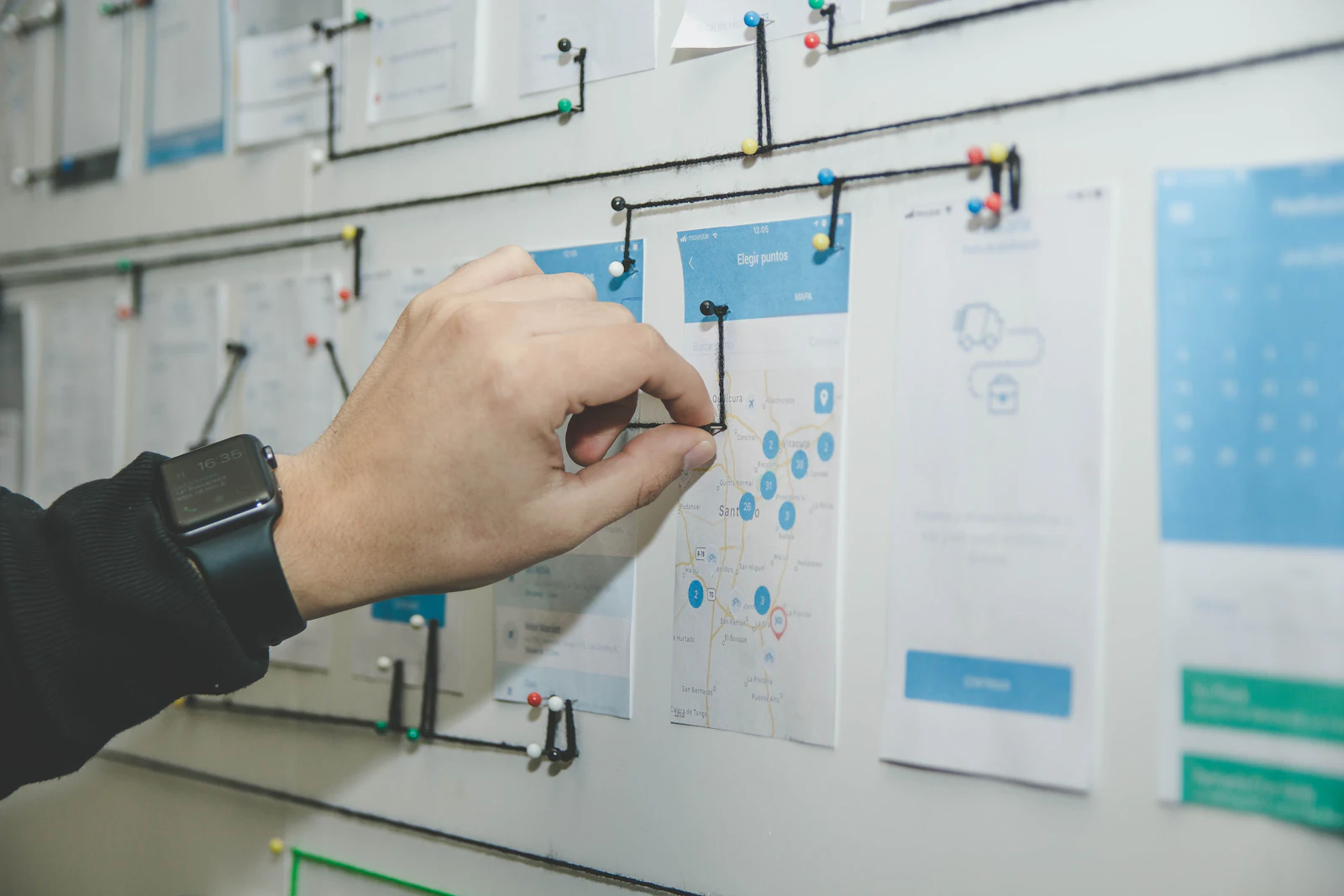
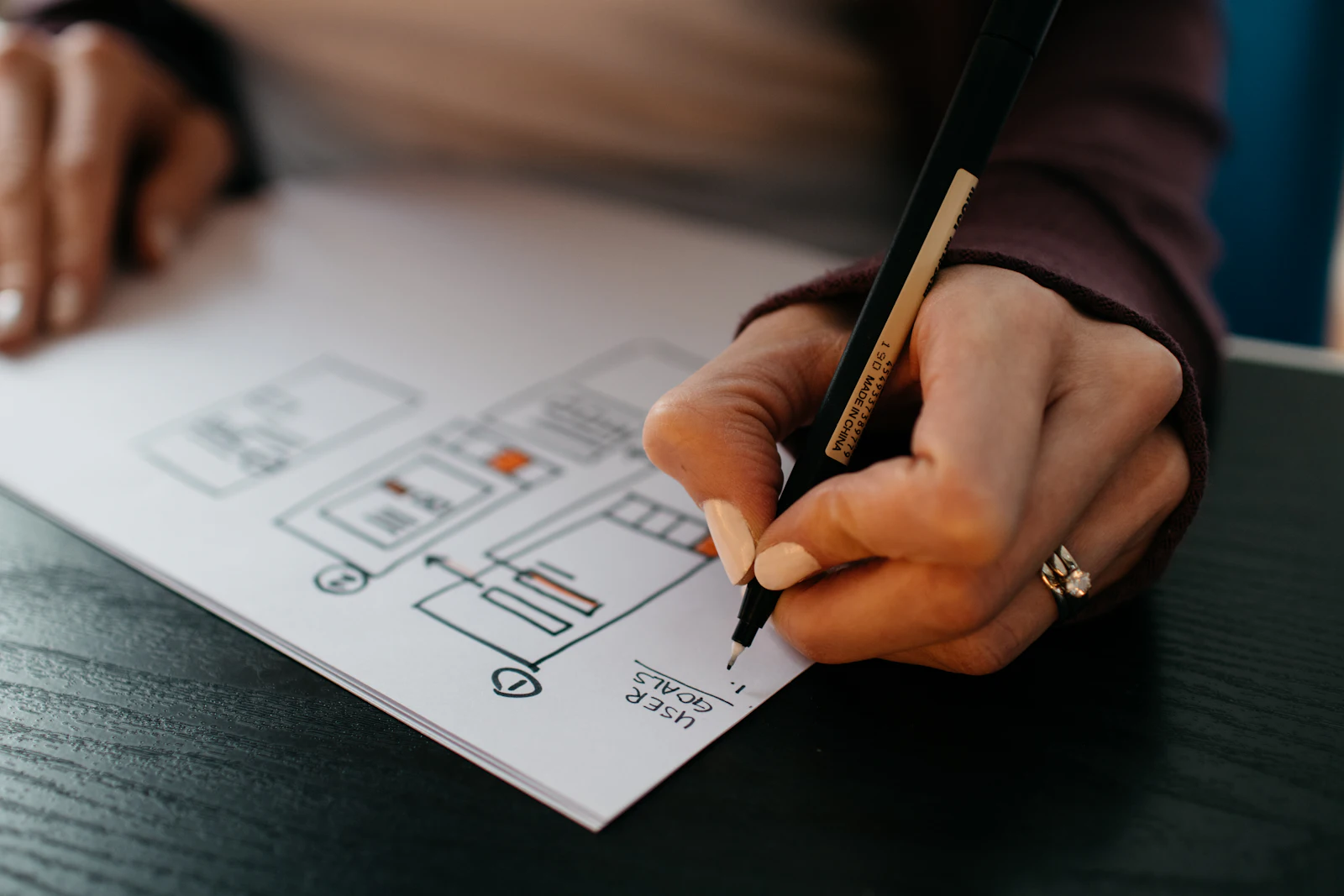
From the first call to launch day, you talk directly to the designers and engineers building your product. Same faces, same team. No hand-offs to strangers halfway through.
“If something isn't worth building, we'll tell you. If something goes wrong, you'll hear it from us first.”
— the VavenSoft team
Projects we've designed and built, and what changed for the people using them.
Patients book and reschedule appointments, get reminders and directions, and pay in the app with Apple Pay.
Online appointments, patient records and reminders for a network of private clinics.
Straight answers to what people ask us first: cost, time, ownership and the details that matter. Anything else? Just ask.
It depends on scope. Typical budgets: Tablet adaptation, $4,000 – $8,000; Tablet-first app, $8,000 – $18,000; Kiosk & point of sale, from $10,000. After a free 30-minute call you get an exact quote in writing, before any work starts.
Tablet adaptation: 2–4 weeks. Tablet-first app: 4–7 weeks. Kiosk & point of sale: 4–8 weeks. You'll see working results in a demo every week, and the proposal includes a timeline with milestones.
Yes. We adapt your app's layouts for tablets, adding multi-column views and keyboard support where they help.
Yes, including locked-down flows, idle reset and accessibility for public use.
Both. We follow each platform's conventions while keeping your brand and core flows consistent.
You do. You own the designs, prototypes and source files once invoices are paid, so you're never locked in to us.